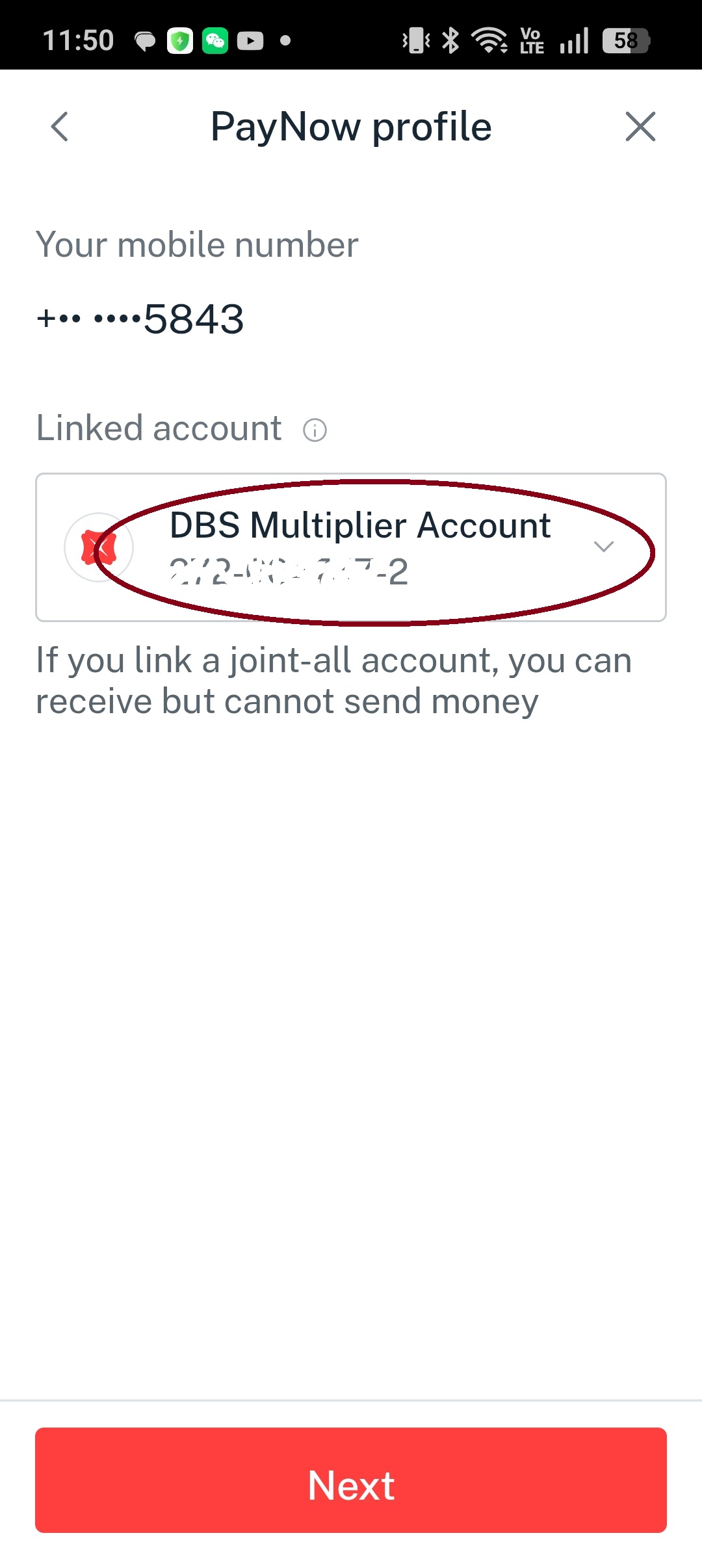
绑定手机号Link Phone Number
在 DBS App 内将手机号绑定至 PayNow 账户,共 5 步。 Link your phone number to your PayNow account in the DBS app — 5 steps.
1
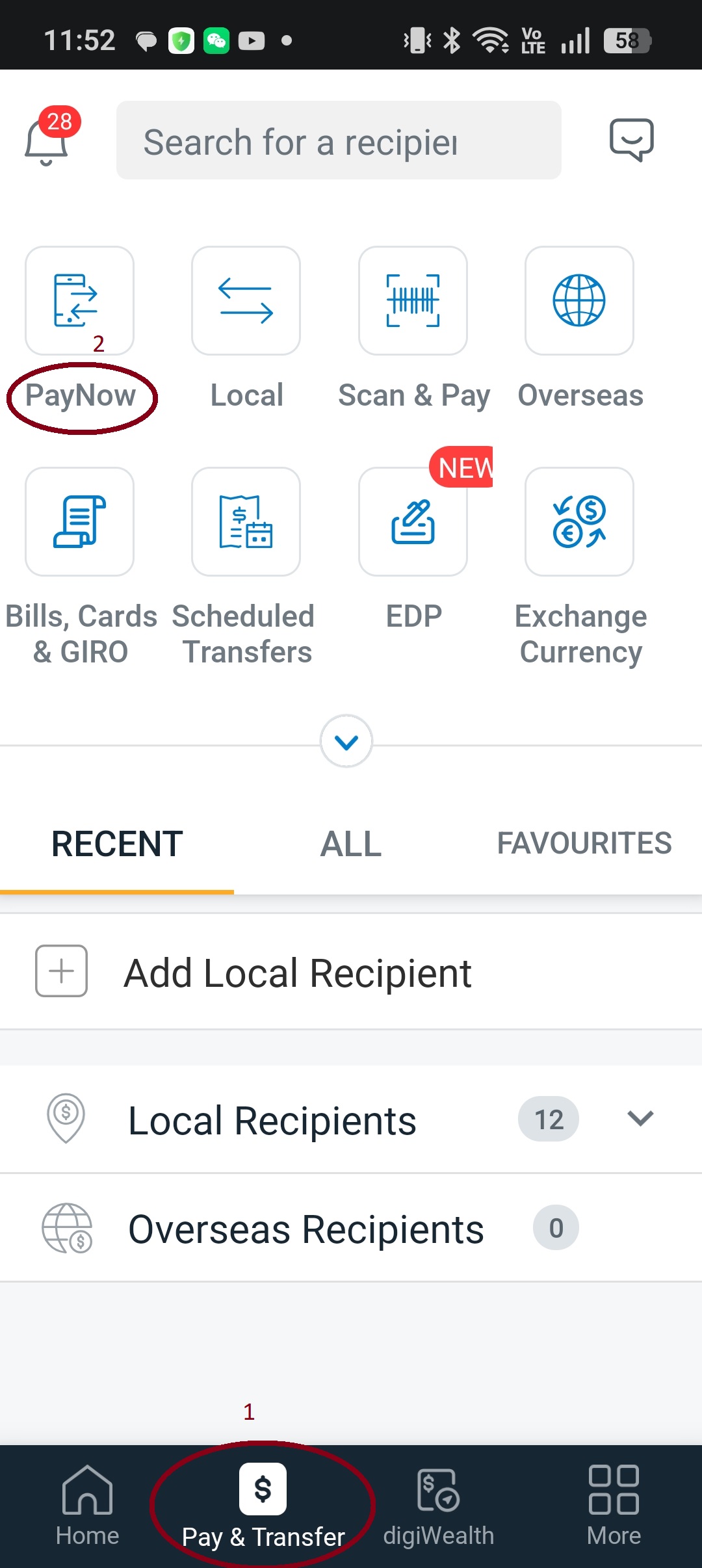
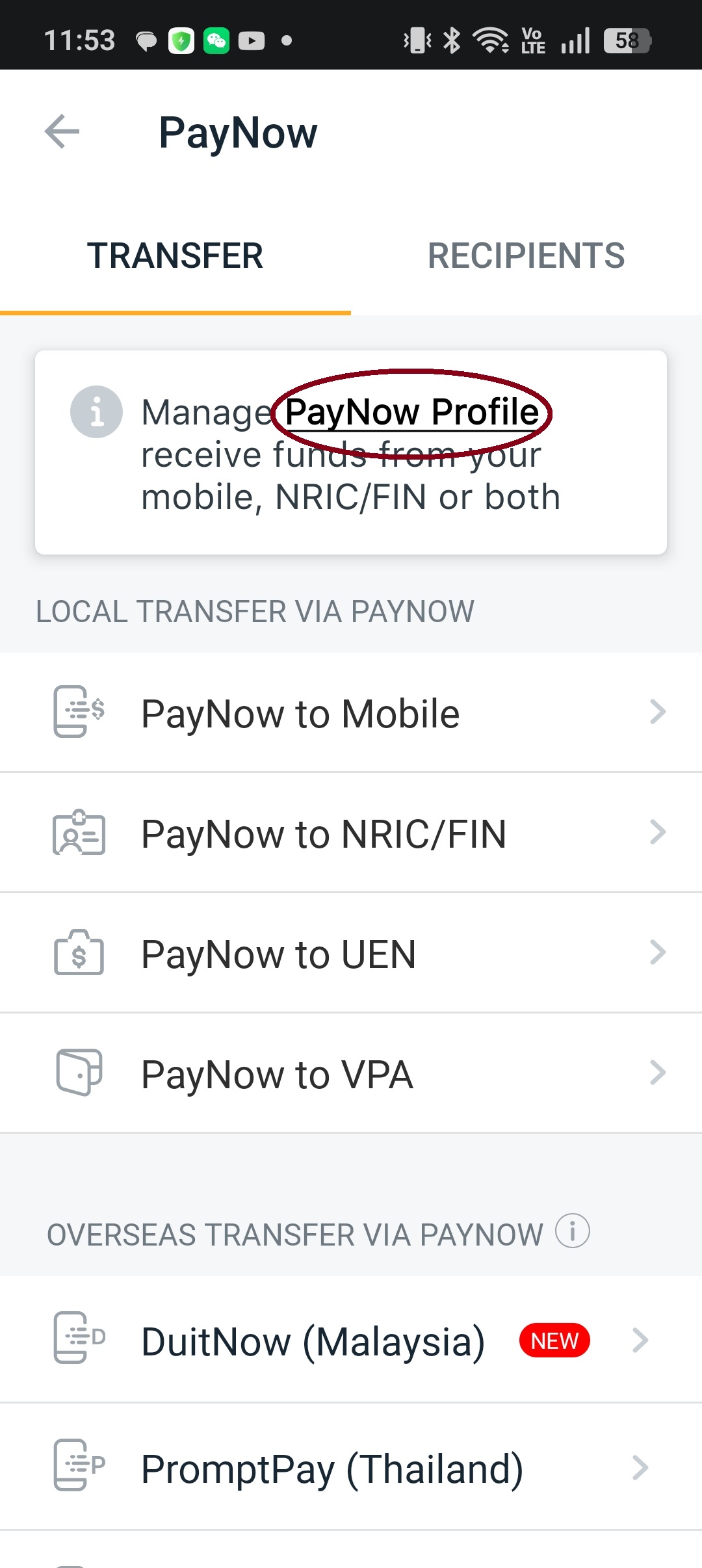
打开 DBS App,进入 PayNowOpen DBS app and go to PayNow
2
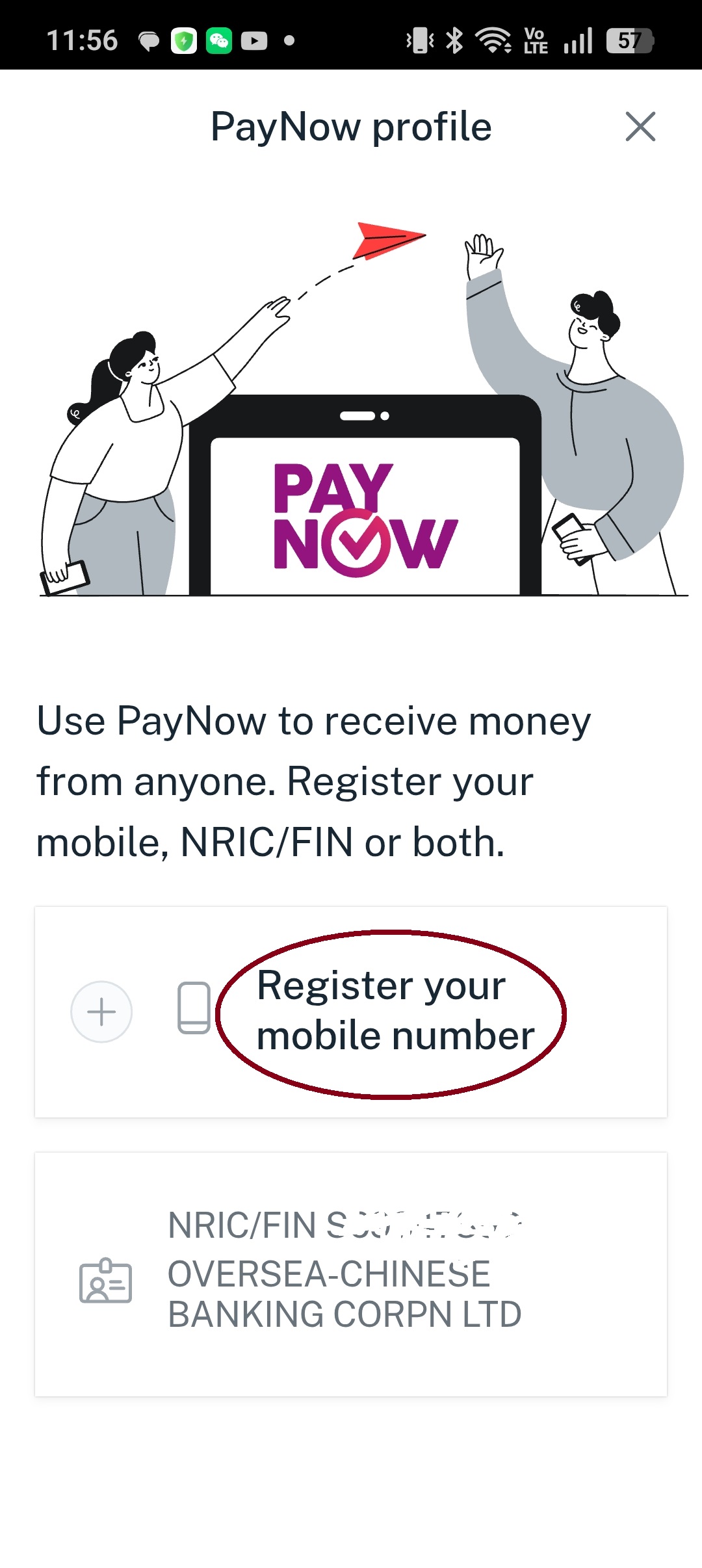
选择绑定手机号Select Link Phone Number
3
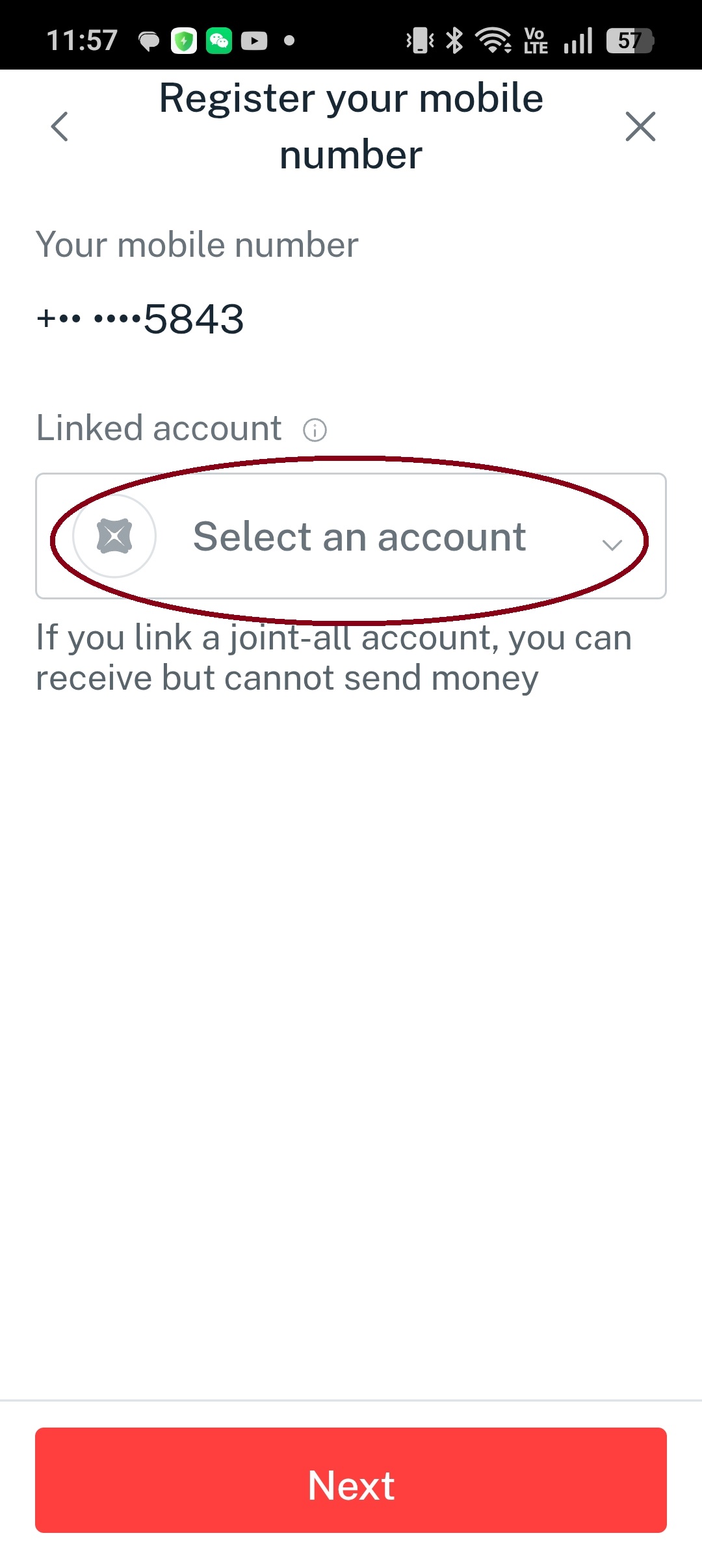
选择收款账号Select receiving account
4
确认Confirm
5
绑定成功Phone number linked successfully